Hello fellow SP users, I can’t get the Ableton Live 12 Intro working with the template. I couldn’t find a template for Intro 12, so I’m using this one - can anyone provide the right template file maybe? Limited to 16 tracks I guess. No beta.
In order for it to work I needed to delete the “Sensory Percussion 2 Beta Plugin” track. I’m getting signal on all the meters, but they don’t produce sound.
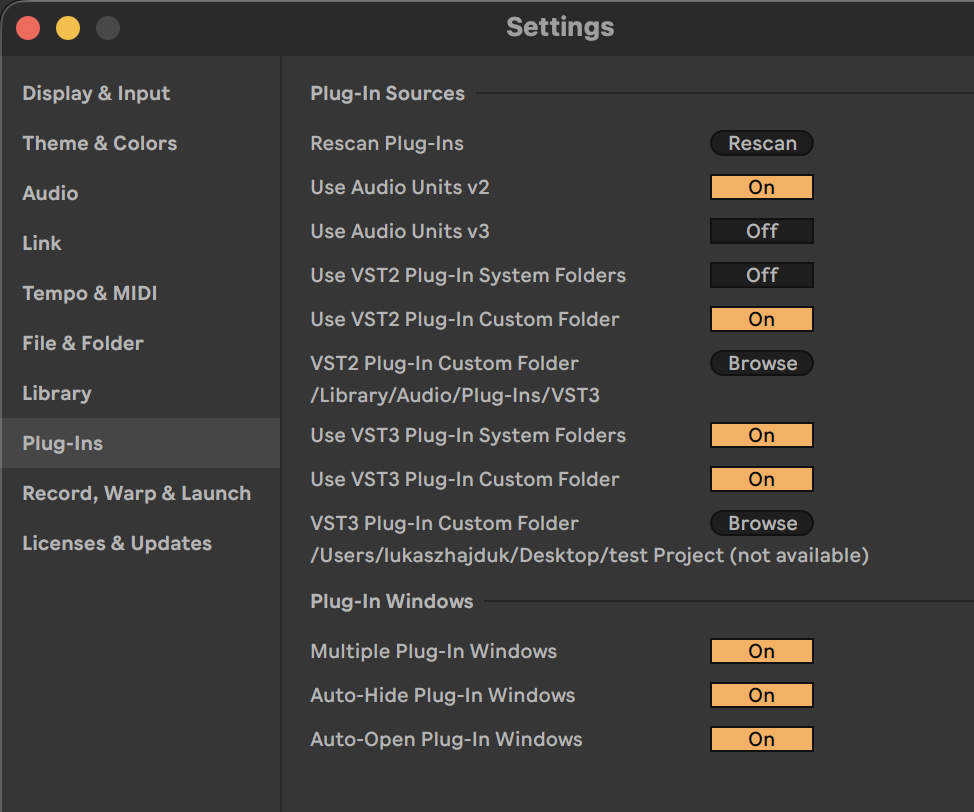
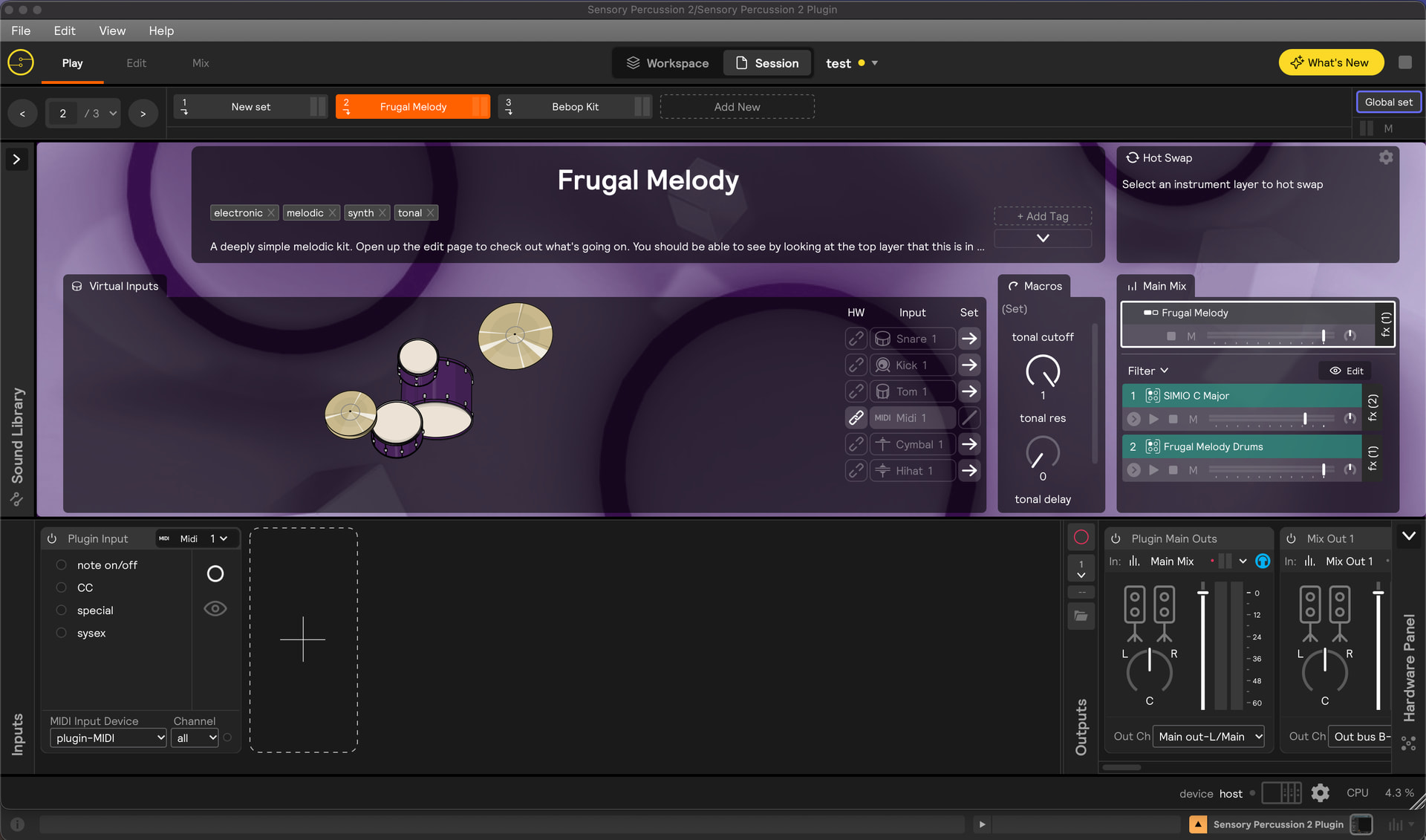
The plugin itself doesn’t recognize the Evans Portal device, hence there are no inputs. SP2 app works fine on it’s own, but inside Ableton nothing happens. VST3 plugin is installed. Here’s a screenshot.
Yes, when you erase a plugin Live will remove the input routing to its host channel and it won’t remember it even if you replace it with a plugin configured the same way - it makes sense: Sensory Percussion is a pretty unique kind of instrument in that it uses audio input for the sensors, not MIDI, so I wouldn’t expect Live to hold onto plugin audio input routing configuration for a host channel.
So basically when you replaced the beta plugin it destroyed the input routing that gets the sensor audio into the plugin. Simply replacing it with the release version of the app doesn’t restore the previous input routing.
Here’s a version that should hopefully open in Intro for you:
For you, I wasn’t sure what exactly to delete in order to come in under the track limit, so I just deleted all of the non-sensor input channels and the MIDI channels. It’s now exactly 16 channels, but has some additional group channels that I think are not included in the track count. But if it doesn’t open for you, let me know and I will make another version.
And if you would rather there be a different configuration of under 16 channels, then I can make a different version for you.
Thank you big time @stevenz, the template seems to be working. But no cigar just yet I get signal on the meters and get no new errors. When I open up the plugin I see that Portal is not being recognized. I have uninstalled and installed the plugin numerous times now (it resides in my VST3 folder). Restarted both apps and my mac. Still no connection and thus no inputs being detected - will they be imported from SP2 app by default once I establish the connection? Any ideas what can I try out next?
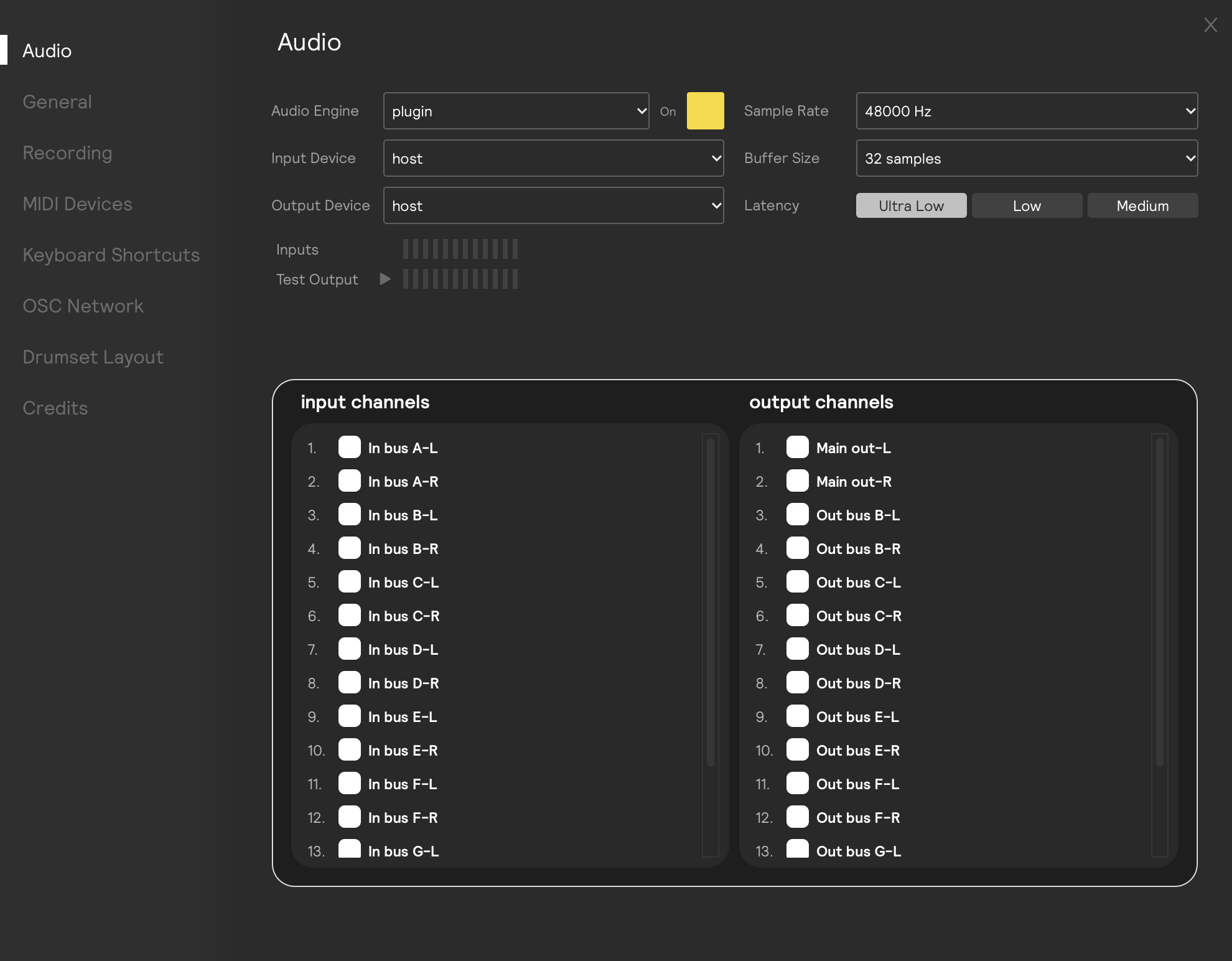
No need to worry about the Evans Portal in the plugin’s Audio Settings. I can see it’s correctly set to “host”.
It looks like you just need to add or load inputs. If you’ve already trained inputs in the standalone app you can save them by selecting File/save inputs in the top menu.
Then you can load them in the plugin with File/Load inputs. You’ll still need to select the correct plugin bus (“Bus A-L”, “Bus A-R”, Bus B-L", “Bus B-R”, etc…) that corresponds to your sensor (Sensor 1 is Bus A-L, Sensor 2 is Bus A-R…and so on)
Thank you @stevenz , I’ve finally made it, although there was a moment when firing any pad triggered all pads at once and tbh I don’t know how I’ve fixed it.
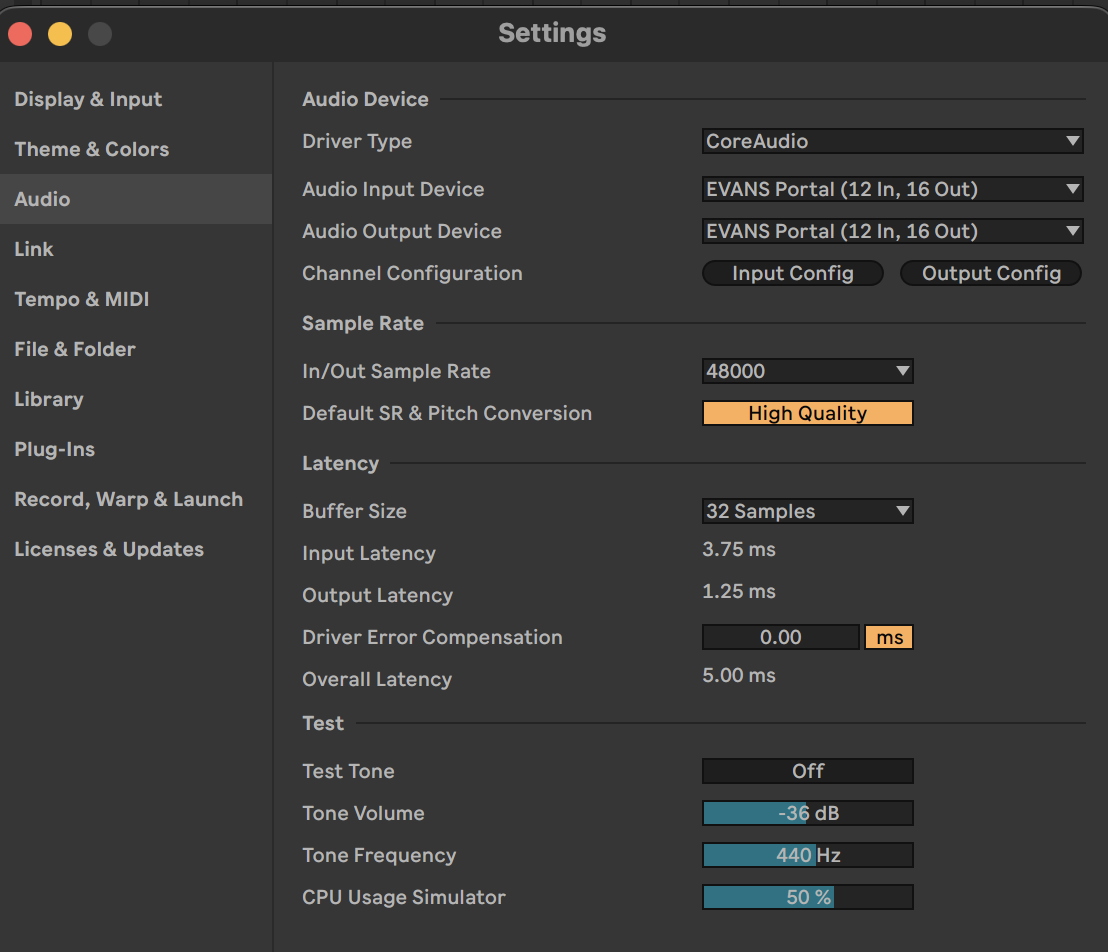
My current issue with Ableton plugin is that it doesn’t play as good as straight from device. There’s some audible crackle and noise. Is that a known issue? What can I do?
Go ahead and send a diagnostic report (I think this must be done in the standalone app, not the plugin) to support@sunhou.se. That will give us some information about your system and, even though the issue is only in the plugin, we may be able to give you some recommendations. You can also send us screenshots of your ableton audio settings.


 I get signal on the meters and get no new errors. When I open up the plugin I see that Portal is not being recognized. I have uninstalled and installed the plugin numerous times now (it resides in my VST3 folder). Restarted both apps and my mac. Still no connection and thus no inputs being detected - will they be imported from SP2 app by default once I establish the connection? Any ideas what can I try out next?