Hi All,
I’m sharing an Ableton project that has mapped SP2 to Ableton’s built-in multi-sample drum kits (session drums). This file was created using Ableton Suite 11. The Session Drums kits do not contain all of the zones that SP does (no “edge” zone mainly), but the rest works really well. Tweak your velocity inputs to get the best dynamic response. I mapped the cymbals to the rims, since Session Drums does not include samples for tom rims.
You can also use this with any normal Ableton Drum Rack, but the results will be unpredictable in terms of which zone triggers which sound in the kit. The kick and snare usually line up though.
I also created two extra tracks in Ableton with some synths loaded in. These synths have also been mapped to the rims of toms and snare. You can replace the synths in these tracks with any instrument in Ableton. Use the embedded midi-mapping tool to change the notes, and use the chord midi-effect to change the intervals and create new chords. Have fun!
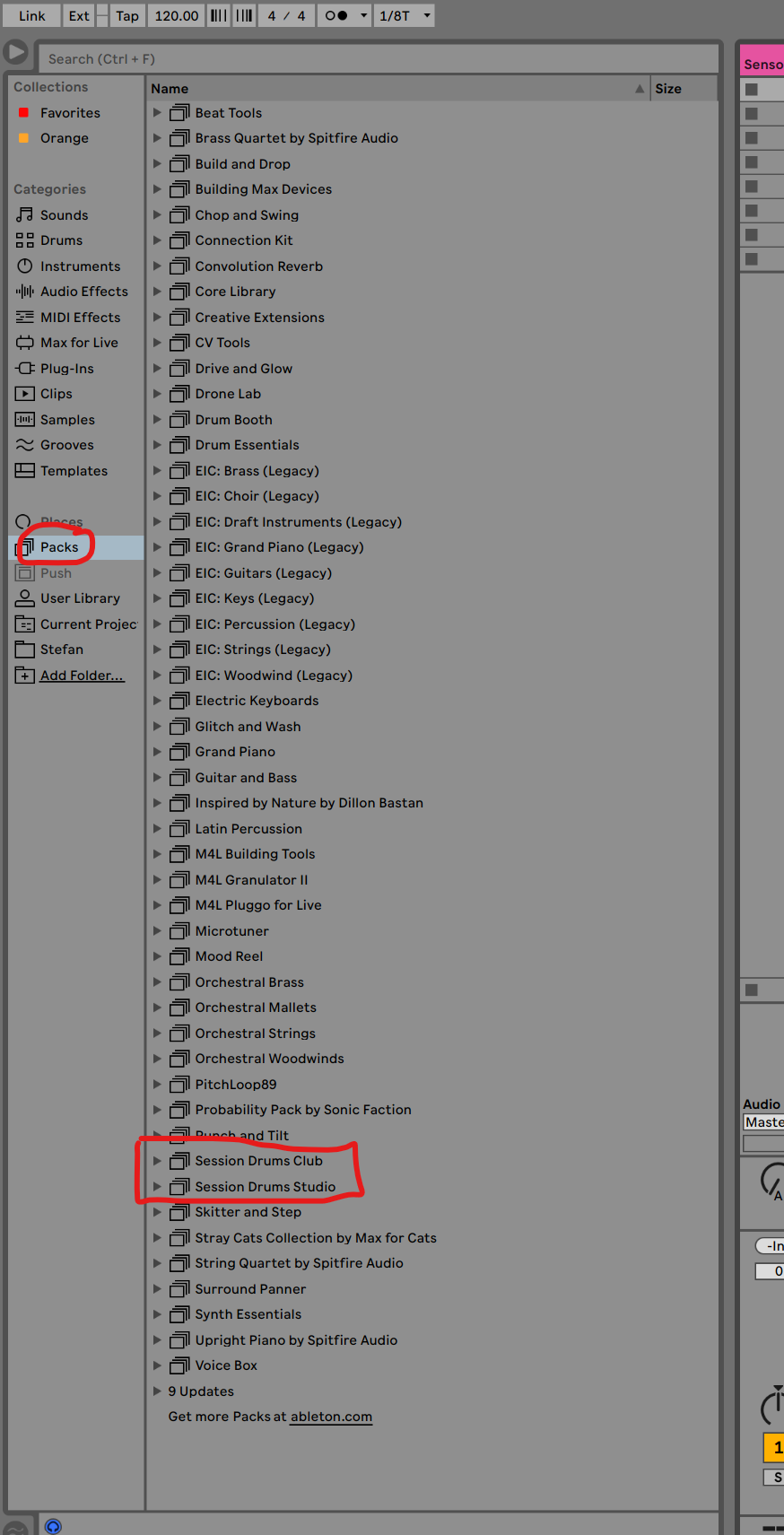
The Session Drums kits can be found here in Ableton:
Just swap any kit into the “session drums” track to try them out.
Here is the mapping data that you can find in the SP2 midi note generators:
KICK:
Open: C1 - Kick Drum
Closed: C1 - Kick Drum
Rim Tip: C3 - Cowbell Light
Rim Shoulder: D#1 - Cowbell Big
Shell: C3 - Cowbell Light
SNARE (with crashes on rims):
Center: D1 - Snare Hit
Edge: D1 - Snare Hit (This could also be re-set to F2, although some kits will cause the edge zone to be a buzz roll on this note)
Cross-Stick: C#1 - Cross stick
Rimshot Center: E1 - Rimshot
Rimshot Edge: E1 - Rimshot
Rim Tip: C#2 - 18" Crash
Rim Shoulder: D2 - 16" Crash
TOM 1 - RACK (hi-tom with hats on rims):
Center: B1 - Hi-Tom
Edge: A1 - mid-hi Tom
RimShot Center:
Rimshot Edge:
Rim-tip: F#1 - Closed hat 3
Rim-Shoulder: A#1 - Open Hat
TOM 2 - FLOOR (rides on rims):
Center: G1 - Mid-low Tom
Edge: F1 - Low Tom
RimShot Center:
Rimshot Edge:
Rim-tip: D#2 - Ride
Rim-Shoulder: D3 - Ride Bell
2026_02_08 SP to Ableton (Session Drums + Synths) Project.zip (1.7 MB)