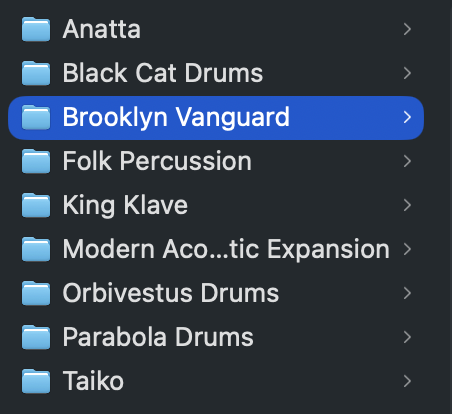
When installing the Mod Ac soundpack it defaults to the “user” folder - not the soundpack folder (which I want to use for packs that I have NOT created). Is this a bug? feature? Intended? I’ve tried drag and drop to move it. I’ve also tried changing the default folder for user packs to the sound pack one. No success. Can this be done? If not, can I add a folder (for “sound packs”, “other home brew”, “my home brew” for example. If not resolvable PLEASE treat this as a feature request.
Thanks again for helping us make music like nothing else can!
Thanks for letting us know about this issue! It’s been fixed, so if you head back to the downloads page and get the new installer for it it should get installed to the proper location now.
You can erase the version of it that is installed in the userpacks folder.
Yes, we confirmed the issue affected multiple packs - essentially if you installed them fresh shortly after the 2.6 update they would have been installed in the wrong location.
The remedy is to head to the downloads page and reinstall them, and delete the folders that are in your user packs folder.
Sorry for the inconvenience!
I’m not sure why Brooklyn Vanguard doesn’t have drums for you. If reinstalling the pack from the downloads page doesn’t fix that issue for you, can you write to support@sunhou.se and send the Brooklyn Vanguard.sp2 file to us?
I just got SP a few days ago. So I installed all the packs in the most recent version. I also tried reinstalling them with no change. Tbh, I don’t really care where they are saved, just wanted to let you know. I’ll send the sp2 file in a sec.