so excited to try my cymbals but looks like it’s going to take hours to figure out how to even get a sound.
1 Like
Hi @digdoug,
Make sure you watch the Getting Started video on this page while you are getting setup: Video Tutorials | Sensory Percussion 2 Help
If you are still can’t get sound or are having difficulties after going through the steps in that video, then feel free to start a chat on our website or write an email to support@sunhou.se
2 Likes
I will try, but it seems very daunting. I respect flexible software but it seems like by default it should work without having to do a lot of research. I have a DWe kit and Superior Drummer 3, I need to get MIDI out, seems like that should be all on by default.
I realize this is pretty complex software, but it’s really anticlimactic to wait so long for these cymbals and I can’t even get things working. I’m not some technical dummy either…
1 Like
@digidoug
Here is a template that should get you there for the drums of SD3 (and probably most of the way there for DWe, although the rim mappings may be different, and there may be other differences that I can’t remember off the top of my head).
There will be templates that include cymbal and hi-hat MIDI mappings, as well.We are doing some testing and working some things out before we post that template. In the meantime you can follow the pattern of drum mappings to send MIDI notes from the cymbals.
1 Like
I really appreciate the link. What does that template do and what does it not do? Still feeling very lost.
I open that up, set up the MIDI output to the IAC Driver, and then what? Maybe it seems obvious enough to you as a user or developer of this, but there’s a lot going on that doesn’t make sense. Controllers, generators, modules, etc. I just want my triggers to generate MIDI. Do I have to set up every cymbal manually as a controller, and what else? Do I need to have the portal connected to prove that things are set up to see the MIDI activity lights when I click on a one of this input widgets? It’s very hard to do this hunched over a drum kit on a thrown. It’s just so much guessing.
I expect a learning curve for advanced features but this is just basic stuff, right?
Thanks a lot for helping on a Saturday.
1 Like
I think this video should help you understand MIDI out of Sensory Percussion:
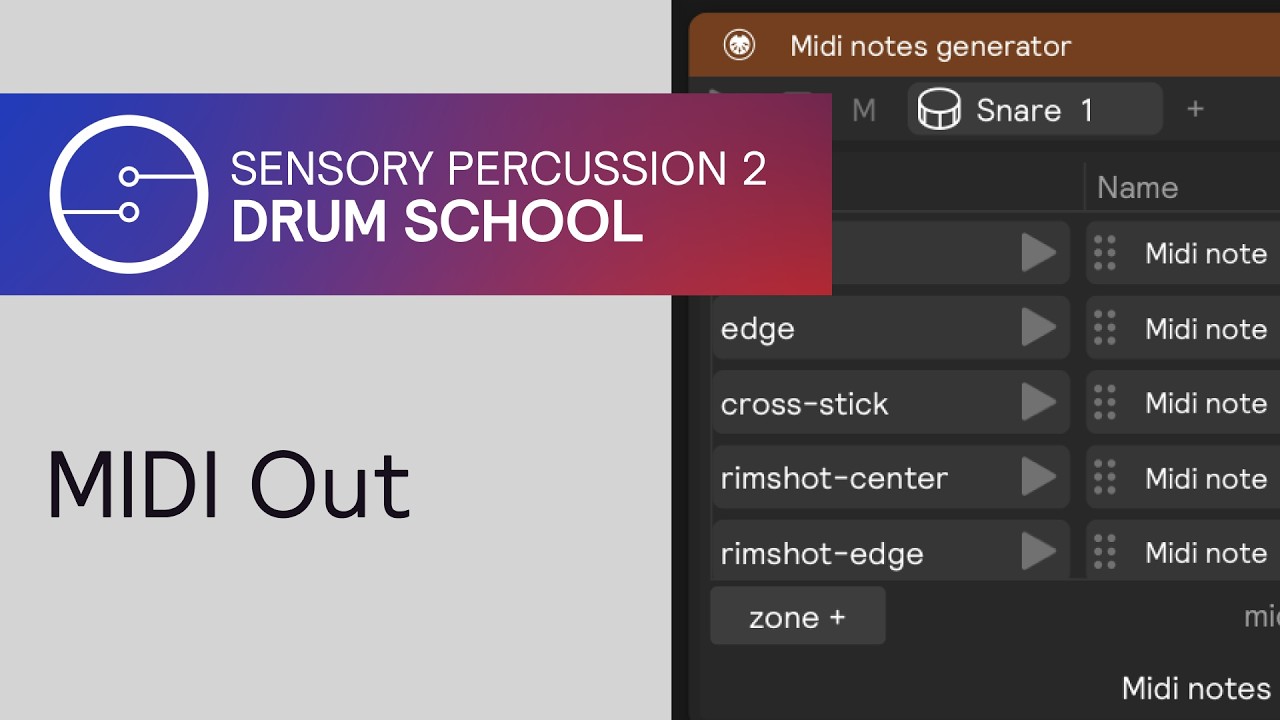
The template will get the correct MIDI notes from Sensory Percussion to the MIDI outputs of Sensory (which, from your comment, it sounds like you have already successfully created and have created an IAC bus).
So, with the template, you should be able to hit your snare and — if you have set your MIDI output setup right and routed your IAC bus to SD3 correctly — then you should get a snare sound from SD3.
Routing MIDI between two softwares is always going to have a bit of a learning curve and require some patience - I don’t think Sensory Percussion 2 is any more difficult with this workflow than other software.
There are a few concepts to learn, sure, but there also is a growing body of resources available to you to help you get the result you want (for example: tutorial videos, the user manual, the forum; and we’re always happy to help via email to support@sunhou.se).
For a good first experience with the software, I think it’d be fun to train the drums, setup the cymbals and play some of the presets. After that, it would be good to build a few basic things with samplers and controllers just to get a feel for how the software works: like drag samples onto the drums, and then add some FX on the edit page - maybe click around on a preset to see how it’s built. From there you may start to feel more comfortable with how things work and may have a better experience sending MIDI to other software
1 Like
these are not “triggers” in the traditional way, these are sensors, you need to add a midi notes generator for each element you want to hear in SD3 and a midi cc generator for the hihat, check this post in the vdrums forum:
1 Like
Ok, sounds like I either need to create all of those mappings or wait for the template then. That’s the key point, I wish I knew that earlier on.
I think this could be a great product, I’m sure you guys are might even get acquired by Roland soon just like with DW, they’re not going to let anyone beat them. And the software seems very powerful but I’d say this is also a shortcoming. It needs to be more approachable for the default case for people who just want to play. I am an engineer but when it comes to music I am like a lot of other musicians who just want to play. I’ve been counting the weeks for the cymbals to arrive, and I wasn’t expecting to have to put a whole weekend aside just to be able to get started.
For me, MIDI drums are all about recording. Given the wait in getting products out and shipped, I am disappointed there isn’t better support out of the box. It seems like your ecosystem was designed for people doing electronic music and using drums in “new” ways and not just drummers who want better cymbals integrated into their system, but this product changes things. To me I think the latter is the real volume game changer many of us have been waiting for.
I am certainly capable of spending the time to learn the software, but a big learning curve up front just really spoils the fun and excitement.
1 Like
Ok some progress. For some reason MIDI output stopped working completely, restarting the app didn’t help. Deleting the MIDI out and adding it back in restored operation, with no change in its settings.
The template was a bit misleading to me because per the name I expected cymbals to be there but they are not. But what I did figure out is that all I need to do is add a generator for each and map the notes.
1 Like
yeah this isn’t for edrummers who just want to plug and play, you have drum modules for that, this is a whole different approach, and the cymbals are there to complement it
2 Likes
@digdoug ,
Here’s a post with updates to the SP2 to SD3 template that I think you might find helpful: